![NextMinute_Primary_White.svg]](https://support.nextminute.com/hubfs/NextMinute_Primary_White.svg)
Step 1: Navigate to Quick Add
-
Go to Accounts
-
Select Quotes/Invoices
-
Select Add → Quick Add
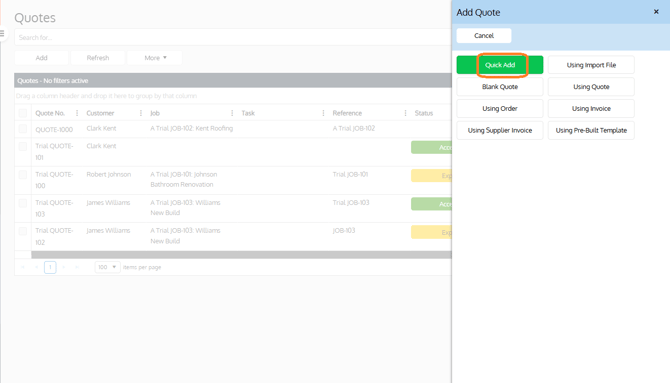
Step 2: Enter the quote/invoice details
-
Enter a title for the quote/invoice and any additional details. If needed, assign it to a job or task.
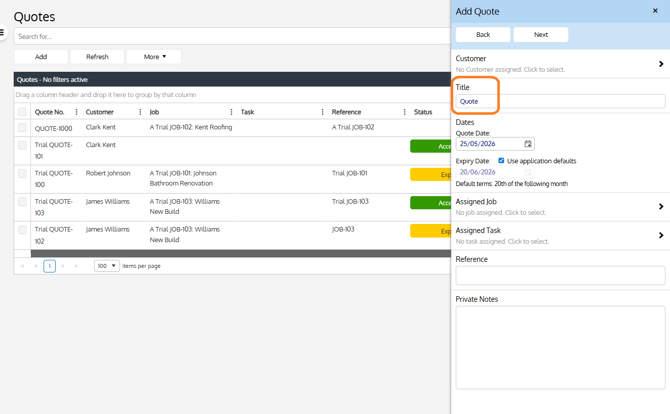
Step 3: Add your line item
-
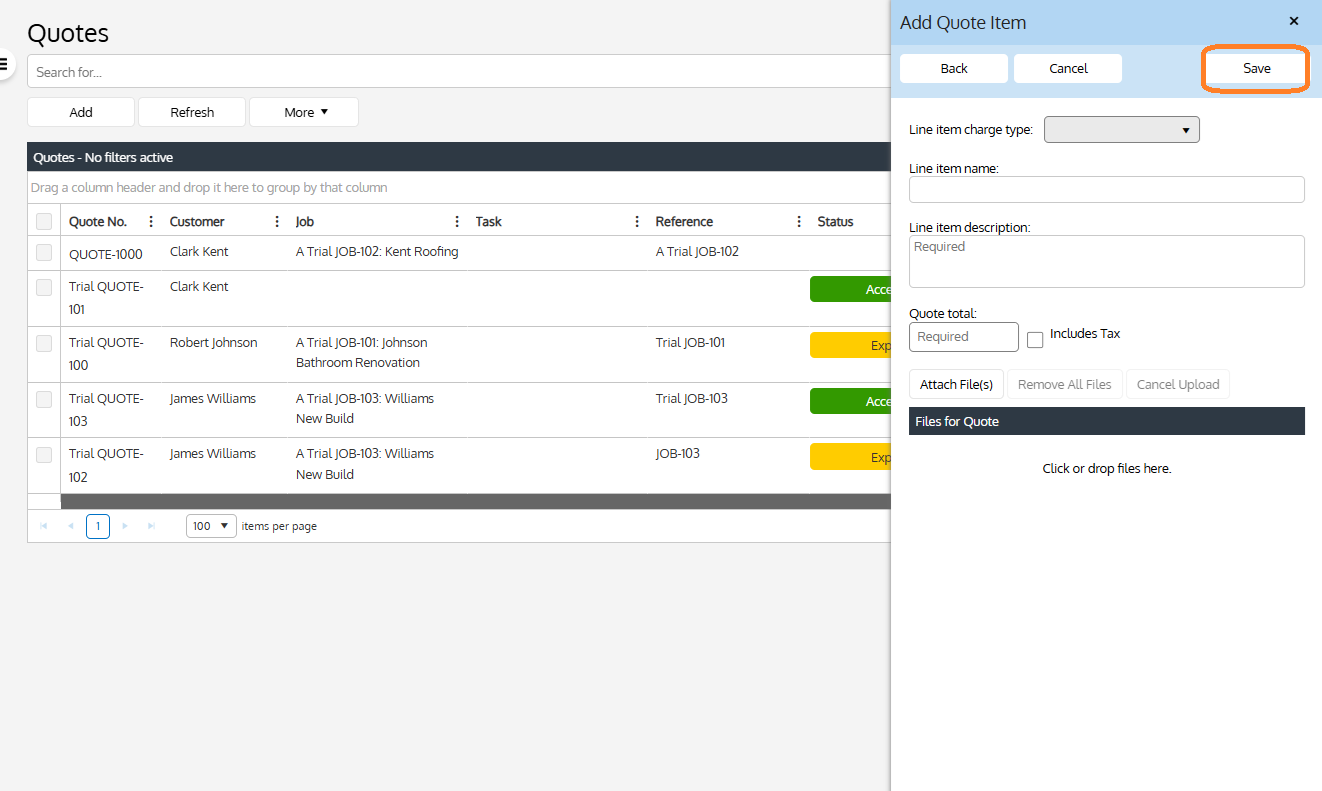
Enter 1 line item representing the total quote/invoice amount.
-
Charge type: Labour, Materials, Disbursements, or Other (Other requires a name)
-
Description: Required
-
Quote total: Required — you can choose to include or exclude tax/GST
-
Attachments: Files can be attached to the quote
Note: Tax rounding
If using the Includes Tax option, minor rounding may appear in the total.